The AdTik Takeaway:
Logging into your Google Ad Grant account to find a bright red “Account Suspended” notification is alarming, but it is almost never permanent. Most grant suspensions are automated flags triggered by fixable compliance issues—like dropping below the 5% monthly Click-Through Rate (CTR) threshold, missing active conversion tracking, or running disallowed single-word keywords. Following a systematic diagnostic plan lets you fix policy violations, submit a clean reinstatement request, and get your $10,000/month Grant back online fast.
It’s the email every nonprofit marketing manager dreads:
“Your Google Ad Grant account has been suspended for non-compliance with Ad Grants policy.”
Instantly, your campaigns freeze, your traffic drops to zero, and your leadership team starts asking what happened to your $10,000/month in free search advertising.
Take a deep breath: Google rarely revokes an Ad Grant permanently on a first strike. Unless your account was flagged for egregious policy fraud or severe illegal activity, suspension is simply Google’s automated system pausing your account until compliance issues are resolved.
This emergency playbook walks you through diagnosing the exact cause of your suspension, executing the fixes, and submitting an approved reinstatement request.
The 5 Most Common Suspension Triggers
Google Ad Grants has strict account management rules designed to keep search results relevant and high-quality. The automated compliance system periodically scans accounts, flagging five primary failure points:
- The 5% CTR Threshold Breach: Grant policy requires accounts to maintain a minimum 5% monthly Click-Through Rate (CTR) across the entire account ($\text{CTR} = \frac{\text{Clicks}}{\text{Impressions}} \times 100\%$). Falling below 5% for two consecutive months triggers an automated pause.
- Broken or Missing Conversion Tracking: Nonprofits must maintain active conversion tracking logging at least one valid conversion per month. (Learn how to configure compliant conversion goals in Value-Scoring Nonprofit Conversions).
- Disallowed Keyword Structures: Google prohibits single-word keywords (e.g., “donations”, “charity”), keywords with a Quality Score of 1 or 2 (see The Landing Page Post-Mortem), and overly generic terms (“free videos”).
- Geo-Targeting Drift: Setting campaign targeting to “Worldwide” or “United States” when your organization operates strictly as a local community shelter violates geographic policy rules.
- Missing Annual Compliance Survey: Missing Google’s annual administrative survey deadline leads to a temporary pause until submitted.
Step-by-Step Emergency Recovery Plan
Follow these steps in order to diagnose, clean up, and restore your account.
Step 1: Pinpoint the Flag in the Notification Center
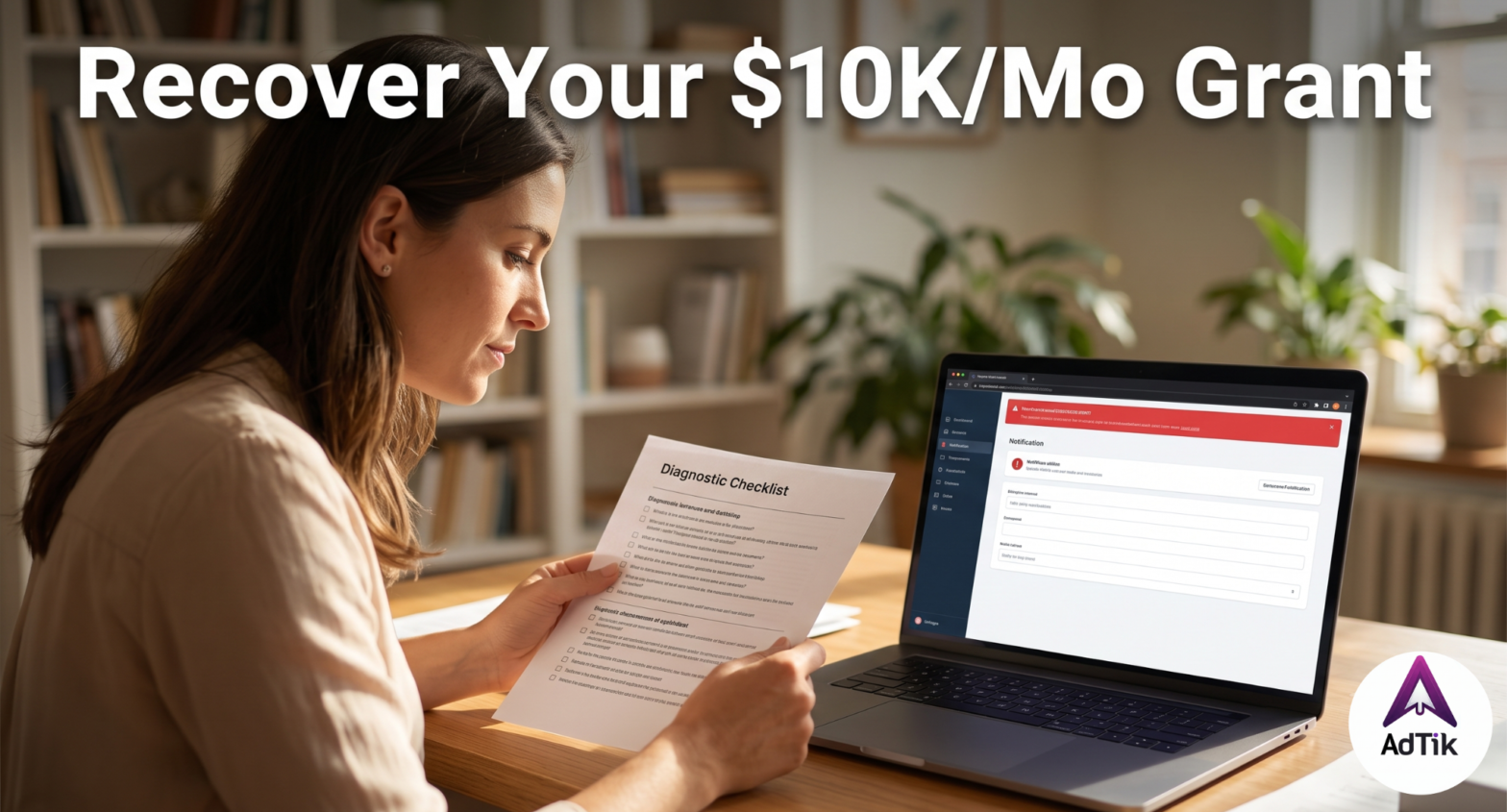
Log into your Google Ads dashboard. Look at the top red alert bar and click Details. Check the registered administrator email for a notice from the Google Ad Grants team specifying the exact policy category.
Step 2: Execute Account Triage
- CTR Non-Compliance (< 5%):
- Set the date range to the last 60 days, sort keywords by CTR, and immediately pause all terms below 3% driving unclicked impressions.
- Filter for keywords with Quality Scores $\le 2$ and pause them.
- Add negative terms that generate broad, unclicked impressions (“jobs”, “salary”, “definition”).
- Keyword Policy Violations:
- Pause non-exempt single-word keywords across all campaigns.
- Update loose broad-match keywords to “Phrase Match” or [Exact Match] to prevent impression bloat.
- Conversion Tracking Failures:
- Navigate to Goals > Conversions > Summary. Ensure at least one Primary Goal displays active tracking status (“Recording Conversions” or “No Recent Conversions” rather than “Unverified”).
Reinstatement Audit Checklist
Before submitting your official appeal, verify that your account passes every compliance checkpoint:
- [ ] Account CTR Standard: Account-wide monthly average CTR is verified $\ge 5\%$.
- [ ] Quality Score Audit: Zero active keywords remain with a Quality Score of 1 or 2.
- [ ] Keyword Rules: Zero non-exempt single-word keywords are active.
- [ ] Account Structure: Minimum of 2 active ad groups per campaign, each containing 2 active RSAs.
- [ ] Ad Extensions: At least 2 active sitelink assets enabled account-wide.
- [ ] Geo-Targeting Locked: Explicit location boundaries applied to all campaigns.
- [ ] Conversion Firing: At least one primary conversion action firing valid monthly signals.
Step 3: Submit the Reinstatement Request
Once every audit item is checked and non-compliant elements are corrected:
- Open the official Google Ad Grants Reinstatement Request Form.
- Enter your 10-digit Customer ID and administrative contact email.
- In the form field detailing changes made, provide a concise summary of your audit.
Example Reinstatement Note:
“We have completed a full compliance audit of account [XXX-XXX-XXXX]. We paused all single-word keywords, removed keywords with Quality Scores below 3, applied tighter negative keyword lists to boost account CTR above 5%, and confirmed active GA4 conversion tracking signals. The account now meets all Google Ad Grants structural and policy requirements.”
Reinstatement reviews typically take 3 to 7 business days. Once approved, your red banner will clear, and your ads will resume serving automatically.
Frequently Asked Questions
Is a Google Ad Grant suspension permanent?
No. Most Google Ad Grant suspensions are temporary pauses resulting from automated policy checks. As long as you correct the non-compliant settings (such as CTR, keyword types, or conversion tracking) and submit an official reinstatement form, accounts are routinely restored.
How long does it take for Google to reinstate a suspended Ad Grant?
Once you fix compliance issues and submit the Google Ad Grants Reinstatement Request Form, reviews typically take between 3 and 7 business days.
What is the minimum CTR required for Google Ad Grants?
Google Ad Grants policy requires accounts to maintain a minimum average monthly Click-Through Rate (CTR) of 5%. Dropping below 5% for two consecutive months triggers an automated account suspension.